DasherControl
Another Interactive Configurable Dashboard with Customisable GridItem with IFrame and Bookmark and other cool features with basic Container Controller for Docker made with Vuejs and Rust (rocket).



Why …
Everything is a web app that can be installed with a docker in a container. I want to manage all my web applications on one dashboard like Sonarr and Jellyfin without opening like 10 tabs in chrome (rip my ram). When using services like Portainer or the Docker CLI, it’s long to set up a reverse proxy with SSL to secure your homelab. So I want to write widgets (Applets) that can do all my tasks that I do on the daily when managing my homelab. Also, I want to make a simple dashboard with widgets (vuejs component) like Windows Vista, but on the web and saved in a database.
Preview Look
Preview look 0.1.5
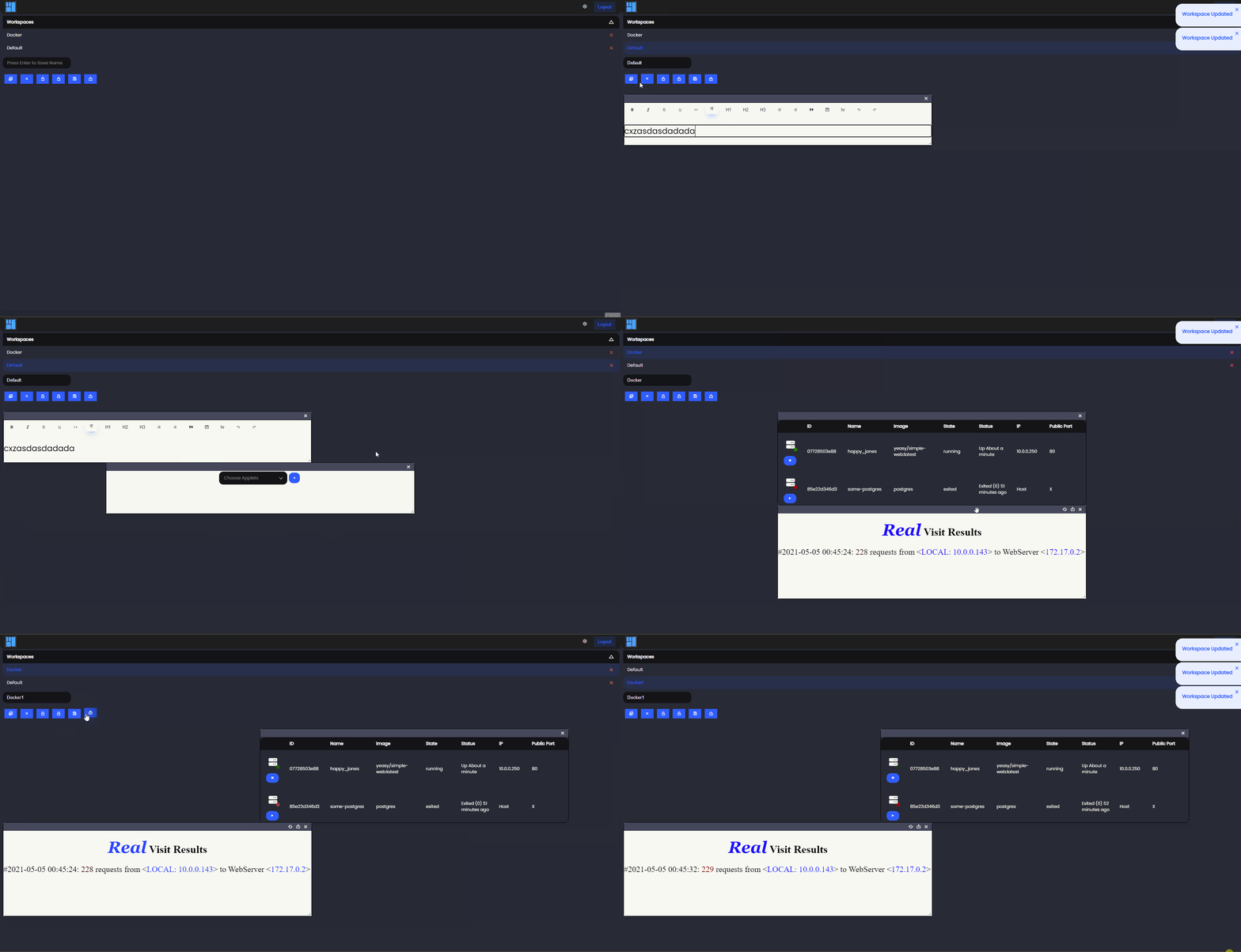 Preview look 0.1.2
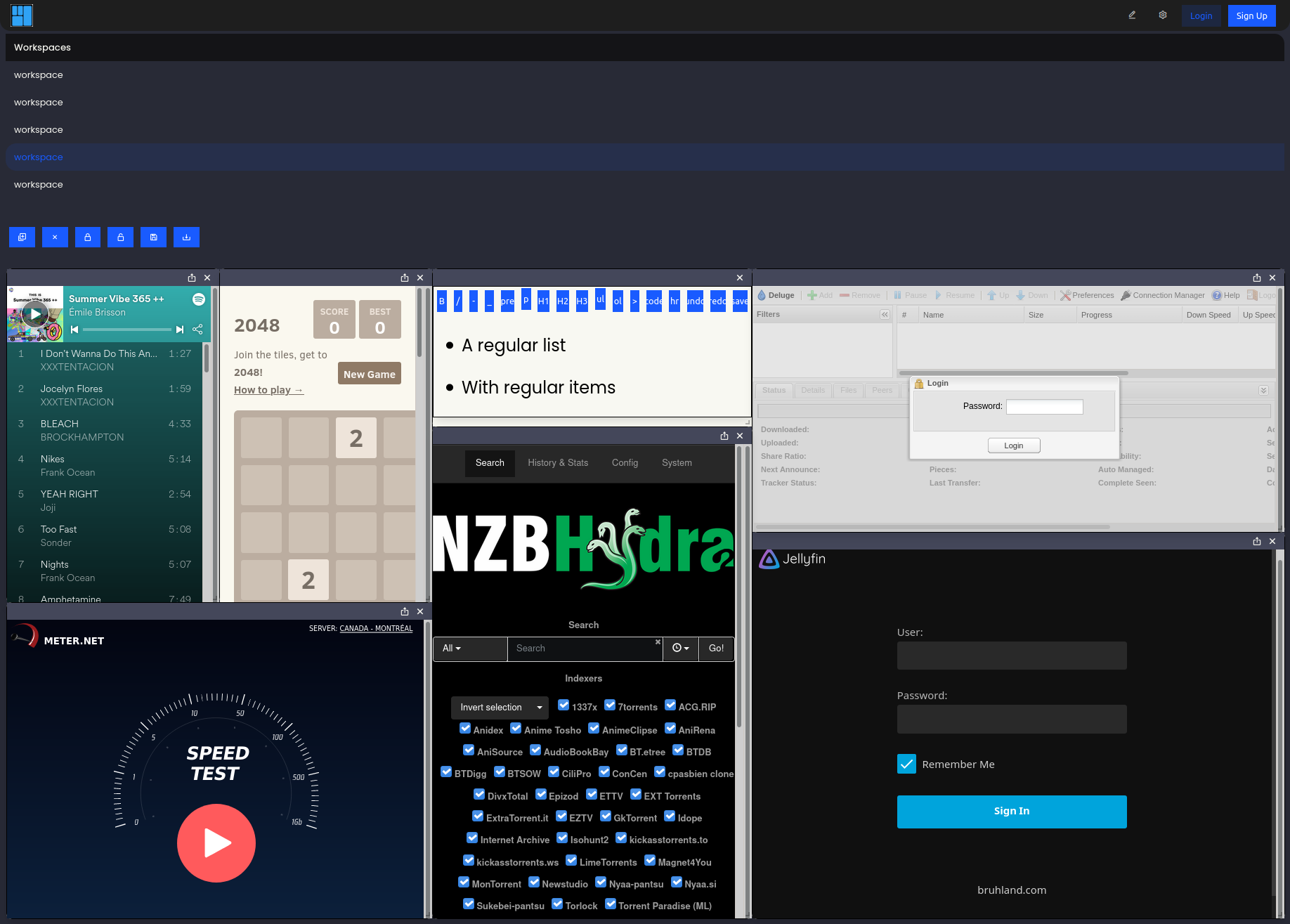
Roadmap
Finished
- Applets with IFrame
- Save Workspace and switch between workspaces
- Applets Management
- Simple Start and Manage Docker Containers
- CI/CD
- User Auth
- Install App with Docker/Docker-Compose
In Progress
- Customize Theme and Change Background
- Logging
- Canvas applets
- Terminal ssh web
- Tests
TODO
- Documentation
- User Auth (OAUTH2 Github)
- Save docker-compose/container info in the database
- Caddy Config Generator for reverse Proxy and SSL
- Export and import of containers and workspaces
- Floating Windows
Issues
I use Iframe to display the other website some of the login of the website will not work because of the CSRF token or other restrictions of the iframe.
Install (Tested only on Ubuntu 20.04)
// bash scripts/rust-setup-dev.sh
// bash scripts/js-dev-setup.sh

cd frontend && npm install && npm run build && cd ..

cargo install diesel_cli --no-default-features --features postgres
// go in Rocket.toml and .env and change DATABASE_URL to your postgresql server
diesel migration run

// create admin user
cargo run --bin create_admin

// run web app
cargo run
Docker
DOCKER_BUILDKIT=1 docker build -t antoinebou13/dashercontrol .
Docker-compose
DOCKER_BUILDKIT=1 docker-compose up -d --build && docker-compose logs
Run tests
cargo test
cd frontend && npm test // no test yet on frontend