We used Rhino on iPhone with LiDAR to scan our apartment in January 2024 — not for permit drawings, but to answer layout questions before buying furniture or arguing about wall space. Version française.
Why bother
LiDAR on a recent iPhone captures depth fast. Rhino turns that into geometry you can orbit on the phone and sanity-check dimensions. It is lighter than a full desktop CAD job for “will this desk fit?” and cheaper than hiring a scan for a rental unit.
I was not trying to replace a surveyor — I wanted relative confidence: hallway width, closet depth, whether a 60" TV wall is real or wishful thinking.
Limits you hit on day one
| Limit | What we did |
|---|---|
| Glossy / dark surfaces | Missed patches on glass and TV screen — fill mentally |
| Clutter | Chairs and boxes become “bumpy walls” — scan before moving day |
| Drift | Long loops without closure — revisit start point slowly |
| Export | Phone mesh is enough for measure; detailed NURBS still desktop work |
How we scanned
Room by room, walking slowly while the mesh updated. No tripod, no professional rig — consumer hardware and patience.
Living room
Largest open area — establishes whether the mesh “feels” the right scale. We paused at corners so the depth camera could see both walls; rushing here made later rooms look slightly shrunk. The TV wall was the reference dimension we checked against a tape measure afterward (within a few centimeters, good enough for furniture).
Hallway and closet
Narrow spaces show drift fastest. I walked the hall twice: once forward, once back, closing the loop at the front door. The closet scan was mostly for depth — “will a deep shelf fit?” — not for pretty renders.
Bedroom
Furniture stayed in place on purpose. Beds and dressers become lumpy geometry; that is fine if you only need clearance paths, not a showroom model. If you need clean walls for renovation planning, empty the room first — we learned that the hard way on the closet door swing.
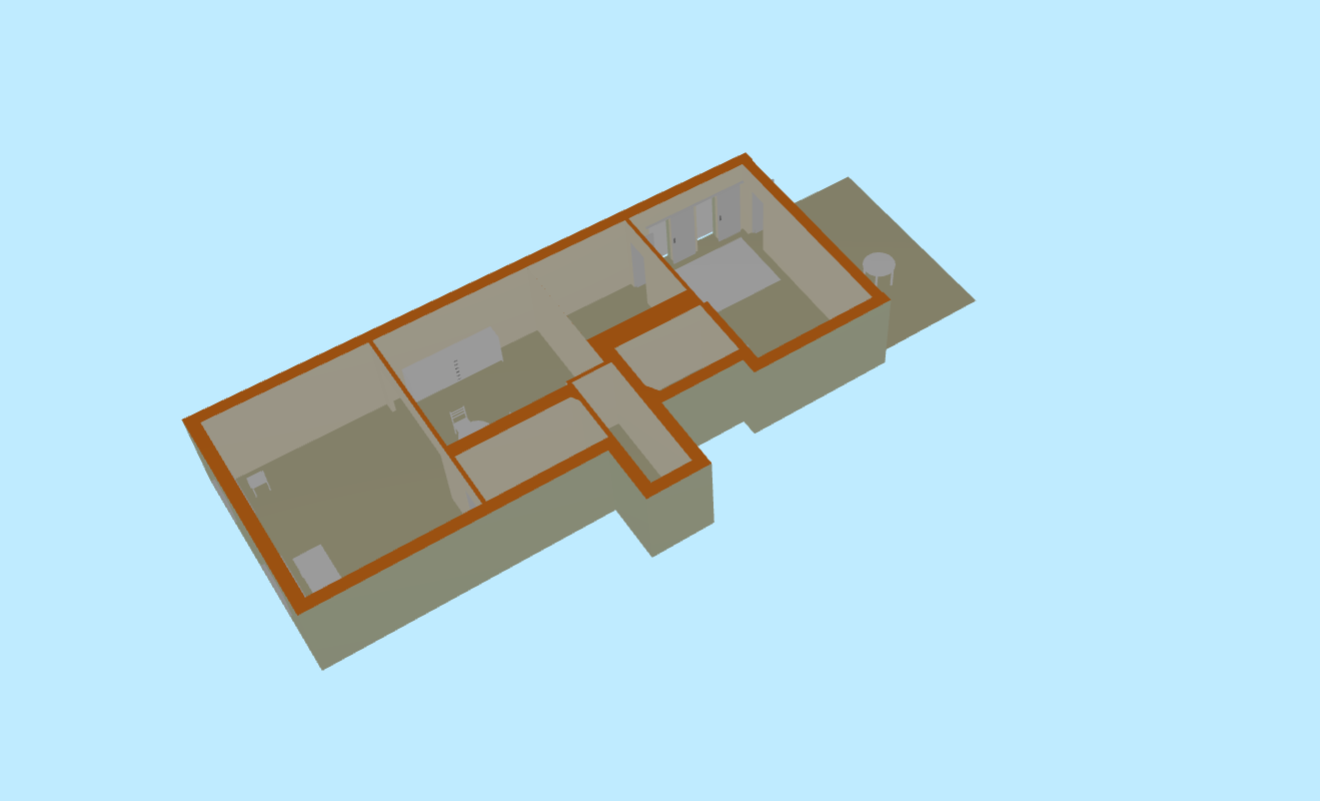
The live mesh is the quality gate: grey holes mean “walk that patch again,” not “export and hope.”
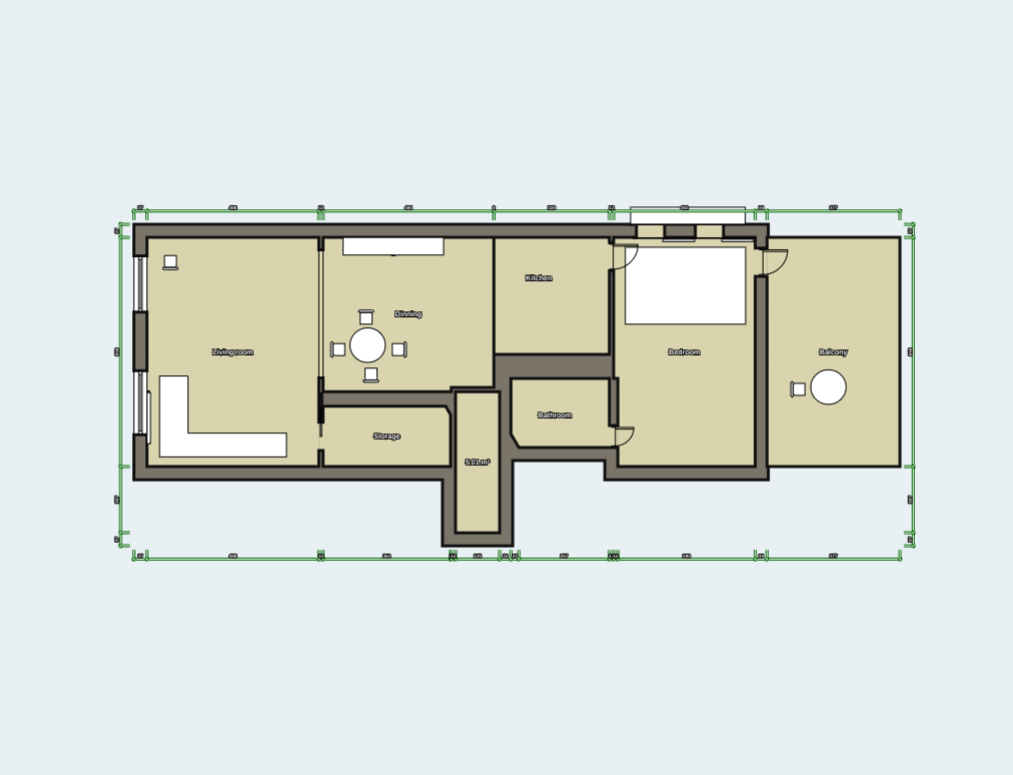
Rhino on phone is where I rotated the capture and eyeballed whether two walls are actually parallel — faster than sending a raw mesh to desktop for a yes/no layout question.
Stills from the capture
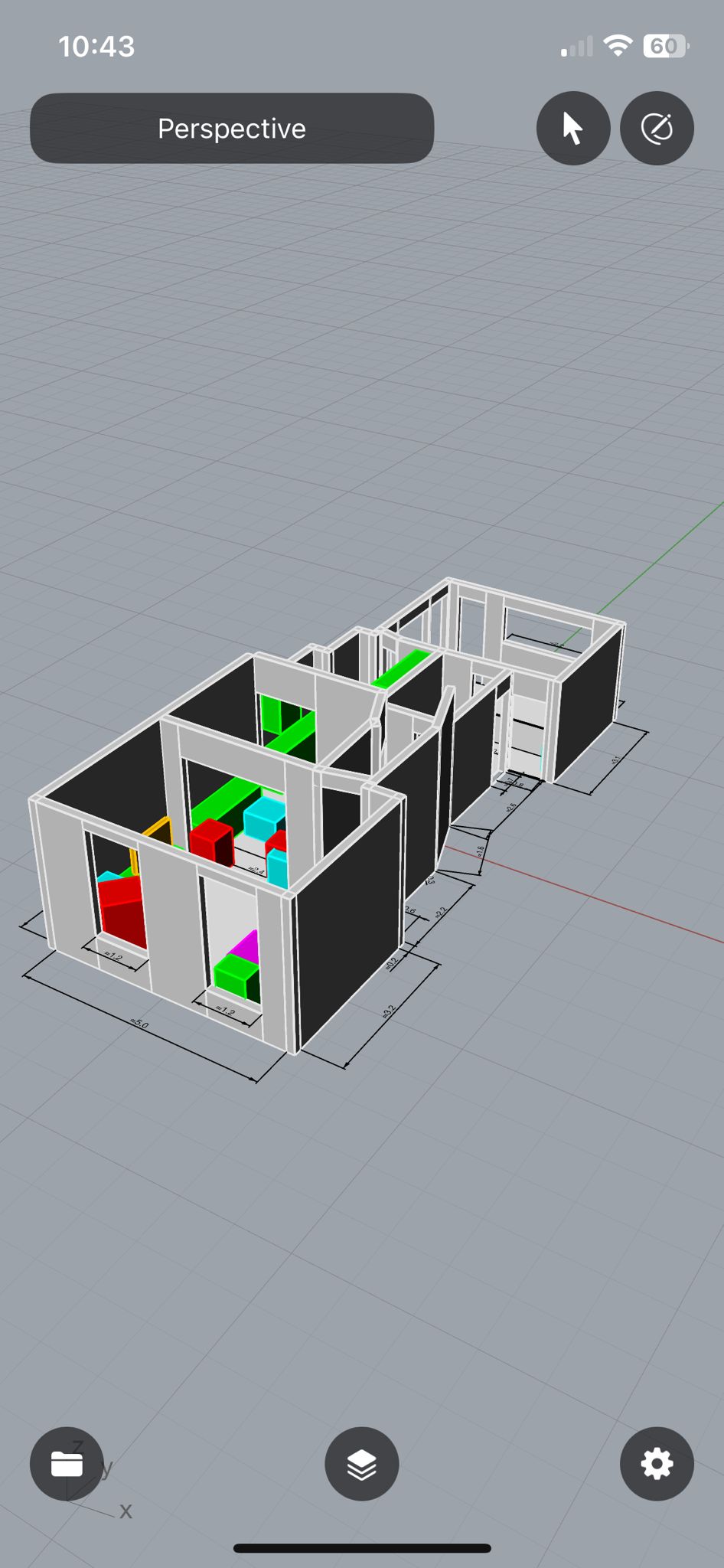
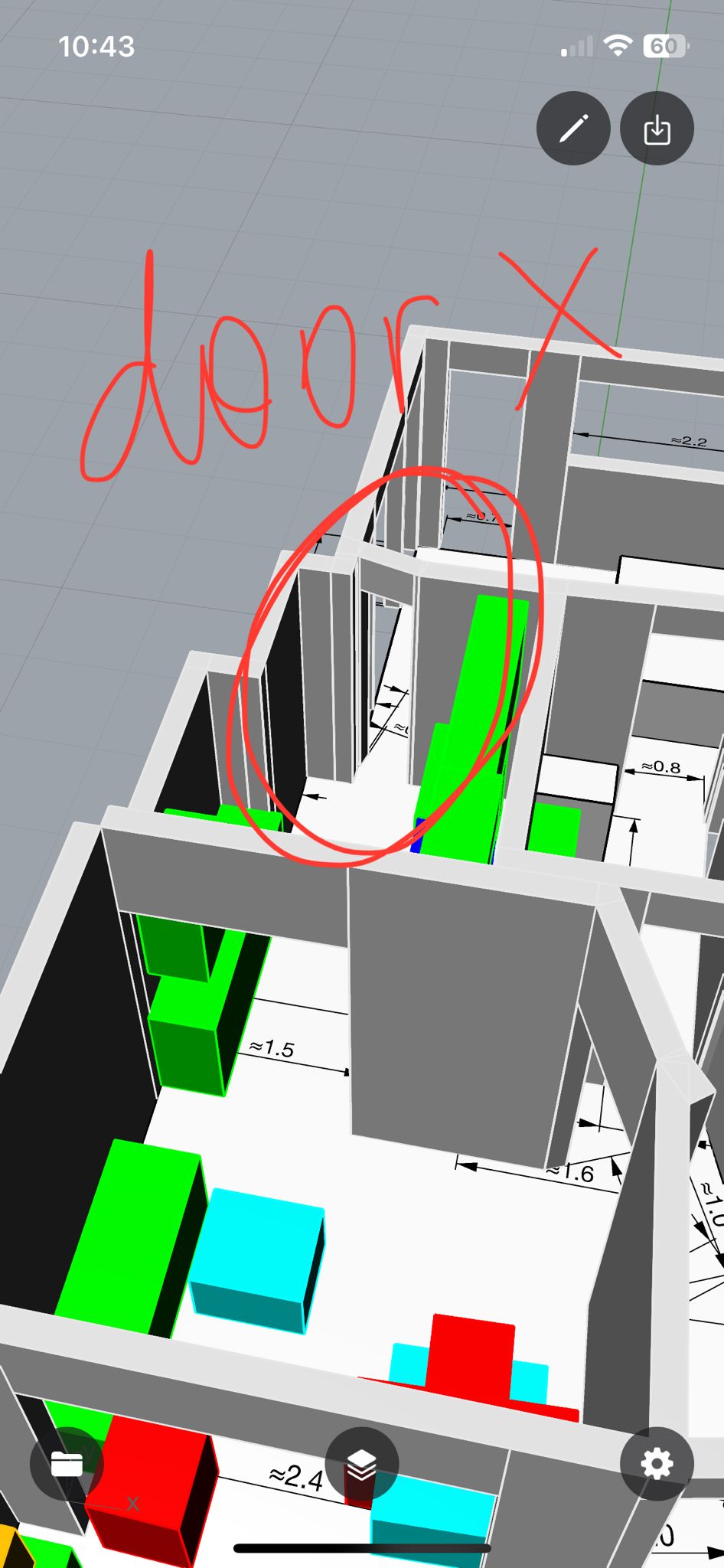
These are export stills — useful when explaining the scan to someone who will not open the app.
When it paid off
Handheld LiDAR plus a focused modeling app is enough for early layout exploration. If the scan survives one furniture purchase decision, it already paid for the hour spent.
Same “digital → physical” thread as skate rack CAD and later AI figurines / 3D print — different fidelity, same habit: model before you cut or buy.
Related posts
- Networking evolution — home lab — infrastructure at home, different problem
- Skate rack — from CAD to plywood