I wrote these notes while helping a bilingual storefront team choose live chat, a bot, and something agents could actually work from. The four products below are not interchangeable: one is a phone system with chat bolted on, one is marketing automation, one is managed bot-to-human handoff, and one is an open-source helpdesk you can host yourself. Pricing and channels change often—use this as a map, then confirm on each vendor’s site. Version française.
How I used this matrix
I scored each option on agent training time, French/English inbox, who owns the server, and whether marketing owns the bot. No vendor won every row — the winner was “least new moving parts for this team,” which is why 3CX and Chatwoot show up most often in my notes below.
Start with the job, not the logo
Before you compare feature matrices, ask what you are really buying:
- One queue for voice + web chat → telephony-first stack.
- Instagram/Facebook growth flows → conversational marketing.
- Bot opens, human finishes → managed CX SaaS.
- Shared inbox you can run on your own metal → open-source desk.
Decision flow (platform-picker-flow.mmd, rendered with uml-mcp):

 | ManyChat · manychat.com | Kommunicate · kommunicate.io |
 |
3CX — phones first, chat in the same queue
3CX is UCaaS / PBX at heart: extensions, meetings, call routing. The website live chat and Talk widgets live in that world. If you already standardize on 3CX for voice, adding chat can mean one vendor, one agent desk, one set of queues instead of bolting a separate inbox on the side.
That was the draw when I configured Live Chat and Talk on a CommerceBuild site: support and sales could stay inside a stack the business already paid for, including a 3CX chatbot path for simple questions. The catch is you are buying a communications platform, not a neutral helpdesk. Ticketing depth, CRM flexibility, and “we only want email + chat SaaS” workflows may feel secondary.
Setup: for WordPress and other CMS plugins, follow the current 3CX documentation—wizard labels and integration names shift between releases. I kept French setup notes for the Live Chat and Talk plugin from an older guide; treat them as a draft and reconcile with the official docs before production.
Tangent (not 3CX): if you are exploring Microsoft bot patterns with analytics dashboards, this walkthrough is unrelated to picking a chat vendor but still useful: YouTube — Microsoft ChatBot (Power BI).
ManyChat — campaigns and Meta, not a helpdesk
ManyChat is built for conversational marketing: broadcasts, sequences, lead capture, with a strong lean toward Meta (Instagram, Facebook). Teams use it to grow and automate DMs, not to run a sober multi-channel support desk with SLAs across email, phone, and web in one place.
Good fit: growth experiments, funnel automation, social-first support scripts.
Weak fit: “we need one open-core inbox for web + email + phone with deep ticketing.”
Check ManyChat pricing for seat and contact limits before you design flows around it.
Kommunicate — bot first, human when it matters
Kommunicate targets human + bot collaboration: the bot takes the first turn, then hands off to agents on the site and common messaging channels. You integrate and configure a managed SaaS—no Kubernetes weekend required.
Useful when you want Dialogflow-style wiring and a polished agent UI without operating the stack. Compare total cost, data residency, and model lock-in (they advertise compatibility with several LLM providers) against self-hosted options if compliance matters.
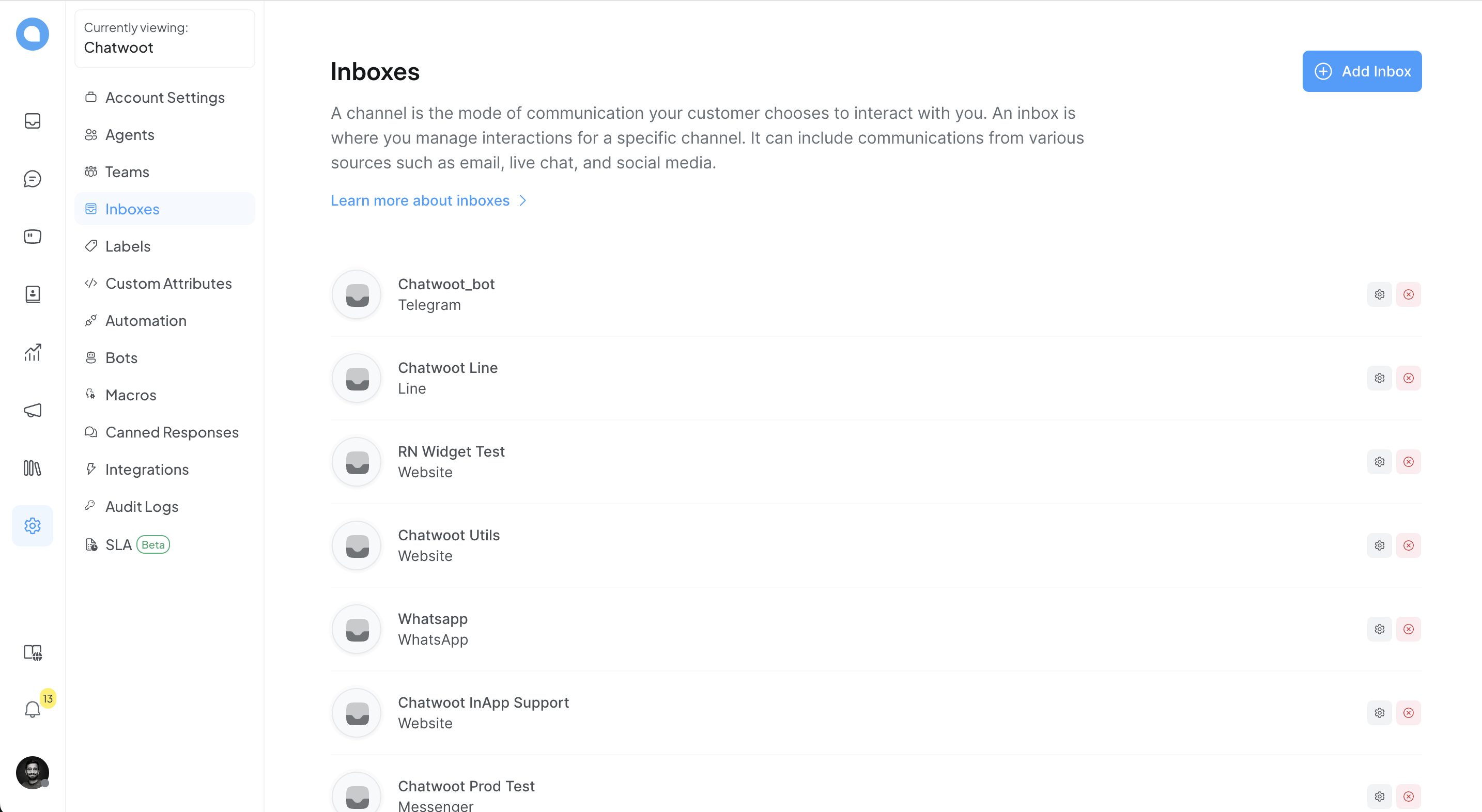
Chatwoot — shared inbox, cloud or your Docker host
Chatwoot is an AGPL customer-engagement suite. Run Chatwoot Cloud or self-host (Docker and operator guides in their developer docs).
Conceptually it is “shared inbox + omnichannel threads”, closer to Intercom/Zendesk territory than to a PBX or a pure marketing bot:
- Unified inbox for the web widget, email, and other channels (the exact channel list evolves—see their docs).
- Teams, labels, automation, and history aimed at support and sales follow-up.
- APIs and webhooks when you outgrow the default UI.
Trade-offs: self-hosting buys control and can cut per-seat SaaS cost, but you own backups, upgrades, and security. Voice and some enterprise CRM integrations may lag proprietary suites—verify your must-haves on their roadmap.
Quick comparison
| Primary focus | Typical deployment | Open source | |
|---|---|---|---|
| 3CX | Telephony + UC + web chat in one stack | Cloud or on-prem PBX + agents | No |
| ManyChat | Marketing automation, often Meta-first | SaaS | No |
| Kommunicate | Bot + human handoff, managed CX | SaaS | No |
| Chatwoot | Omnichannel inbox, support-oriented | SaaS (cloud) or self-hosted | Yes (AGPL) |
Links to verify before you buy
- 3CX documentation
- ManyChat pricing
- Kommunicate
- Chatwoot · GitHub · Developer docs
- Microsoft ChatBot + Power BI (YouTube)
Related posts
- Portfolio Hugo week 1 — embedding third-party tools on a static site
- Home networking evolution — self-hosting mindset vs SaaS chat