Table of contents
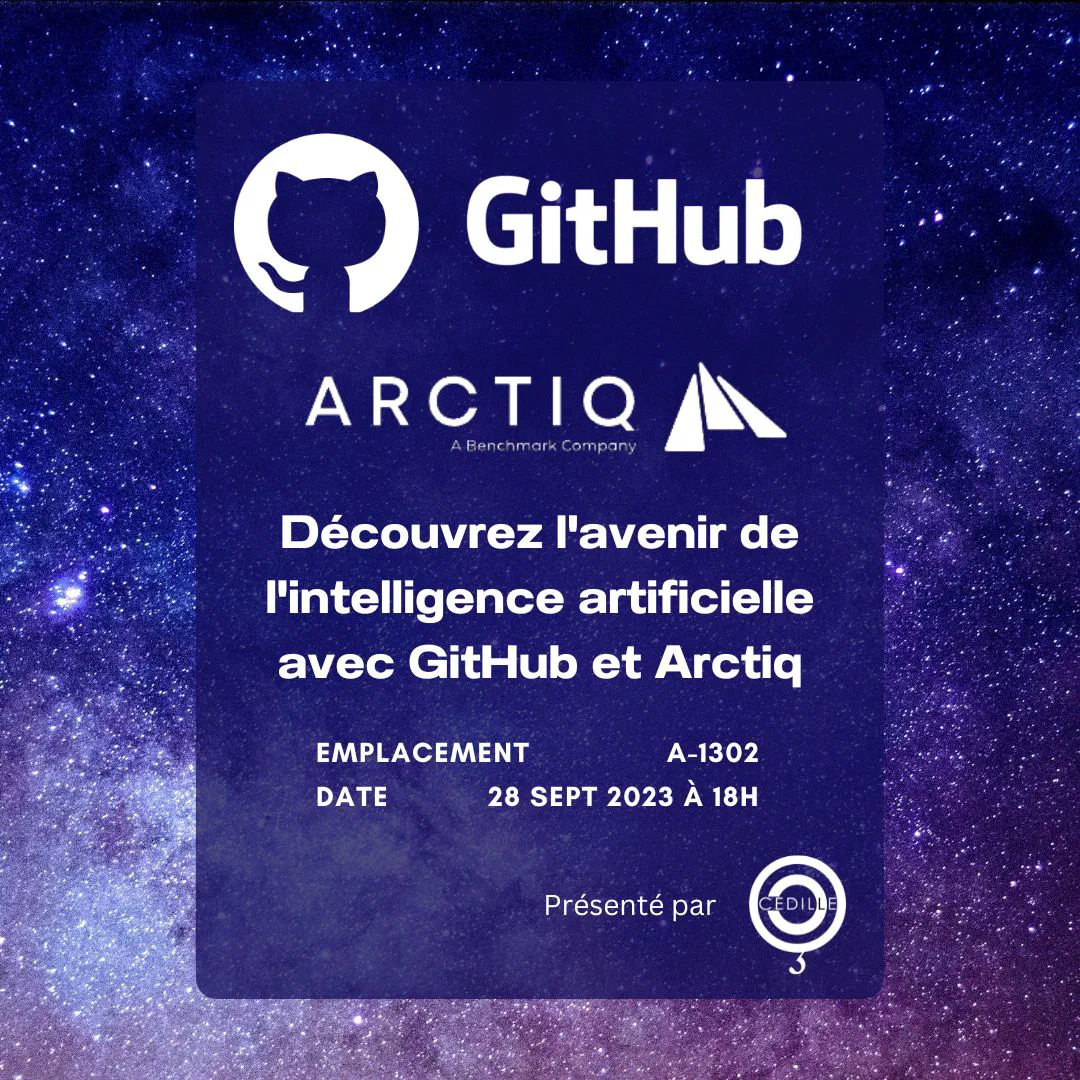
Cédille (ÉTS consulting club) hosted GitHub and Arctiq for a session on Copilot and the AI tooling around modern dev workflows — fall 2022, when “AI pair programmer” still felt novel in a university room.
1. Why Cédille hosted it
Cédille is the ÉTS consulting club — students ship real projects for external clients and need credible tooling opinions, not TikTok hot takes. Fall 2022 was peak “is Copilot cheating?” energy on campus. We invited GitHub and Arctiq so the room could hear licensing, privacy, and roadmap from people who actually ship the product.
2. Why we ran it
Student teams wanted to know if Copilot was allowed on internships, useful for data labs, or a shortcut that gets you failed on code review. Bringing vendor voices in cut through rumor: here is what the tool is, here is what GitHub ships today, here is where experiments live on GitHub Next.
3. Advice I still give students
| Question | Short answer |
|---|---|
| Can I use it on assignments? | Follow your course policy; assume you must cite and understand every line you submit. |
| Does it replace tests? | No — run the code, read the diff, reproduce the bug without AI once. |
| Best first win? | Explain unfamiliar code + generate test scaffolding, not “write my entire lab.” |
4. What we saw live
| Topic | Why it mattered |
|---|---|
| Copilot Chat | Explanations and refactors in-editor, not only tab completions |
/createNotebook | Bootstrap a Jupyter notebook from existing repo code — huge for courses and EDA |
| GitHub Next[1] | Sandbox for features that may never ship as-is — worth bookmarking |
The /createNotebook demo was the crowd reaction moment. You point Chat at a module, ask for a notebook that imports and demonstrates it, and you get a first draft faster than copy-pasting cells by hand. Not magic — you still verify paths and versions — but it lowers the “blank notebook” barrier.
5. Session photos
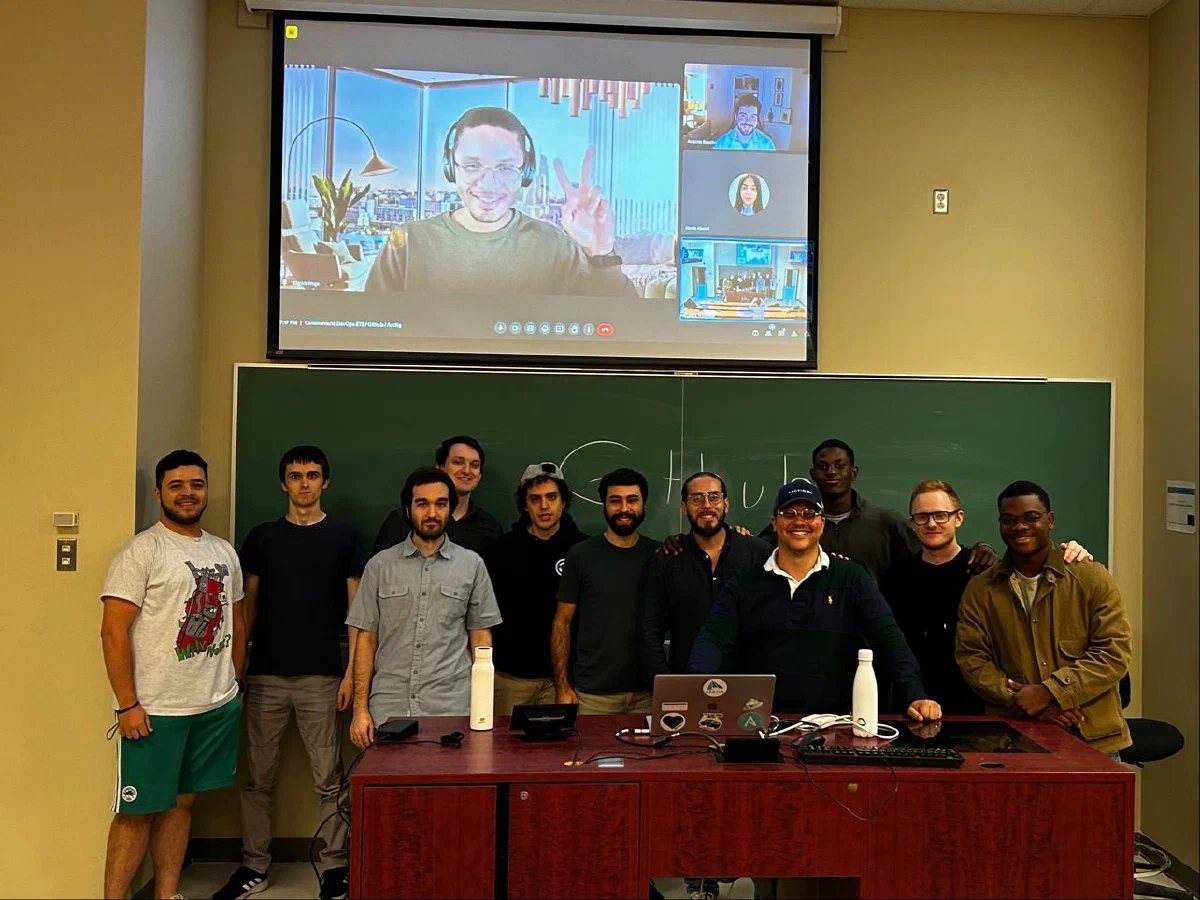
Room was full — mix of software, data, and curious management folks.
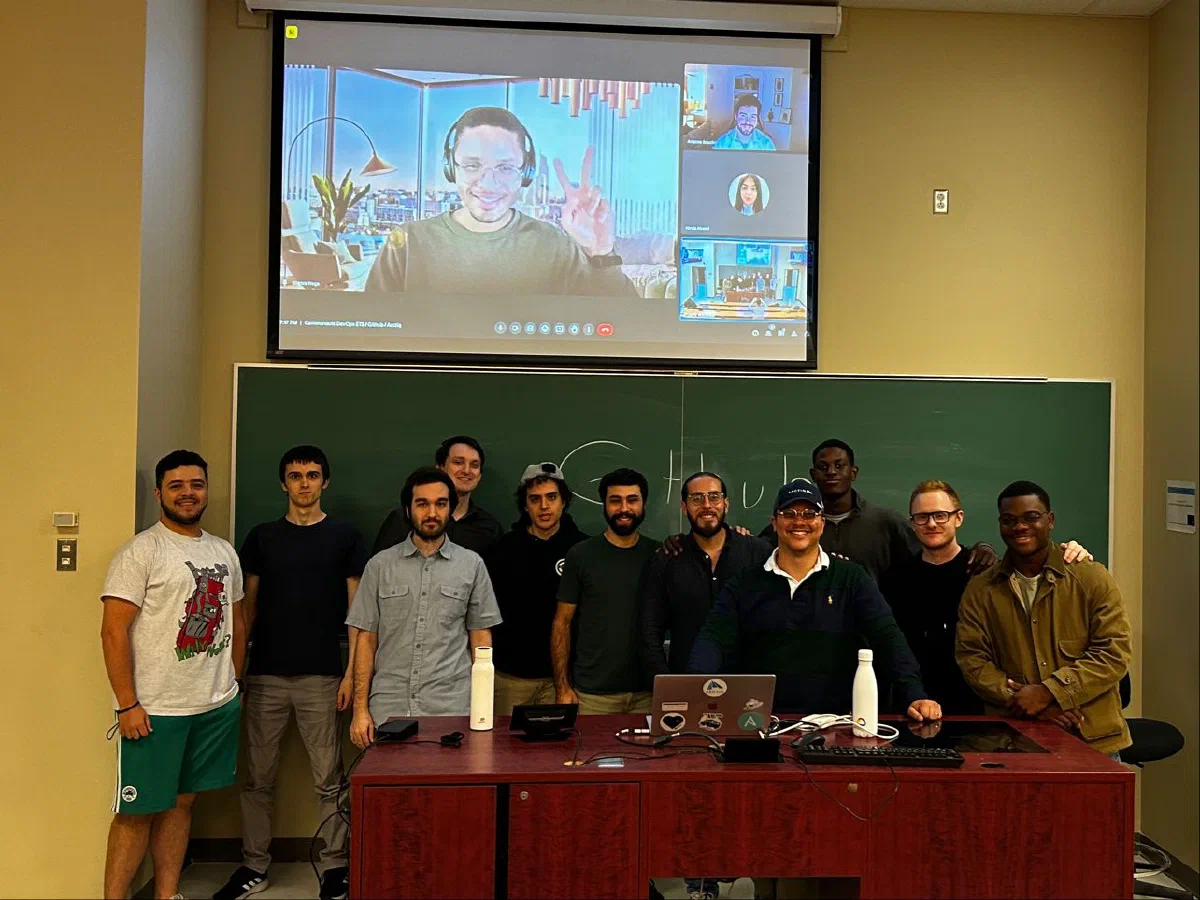
Wide shot of the room — ÉTS students up front, laptops open. The energy was “show me something I can try Monday,” not passive keynote mode.
Presenters walked through Chat flows on a real repo, not slideware only. The memorable beat was refactoring a messy function in-place: accept suggestion, run tests mentally, tweak. That rhythm is what I still recommend to juniors — Copilot as a fast draft, not an oracle.
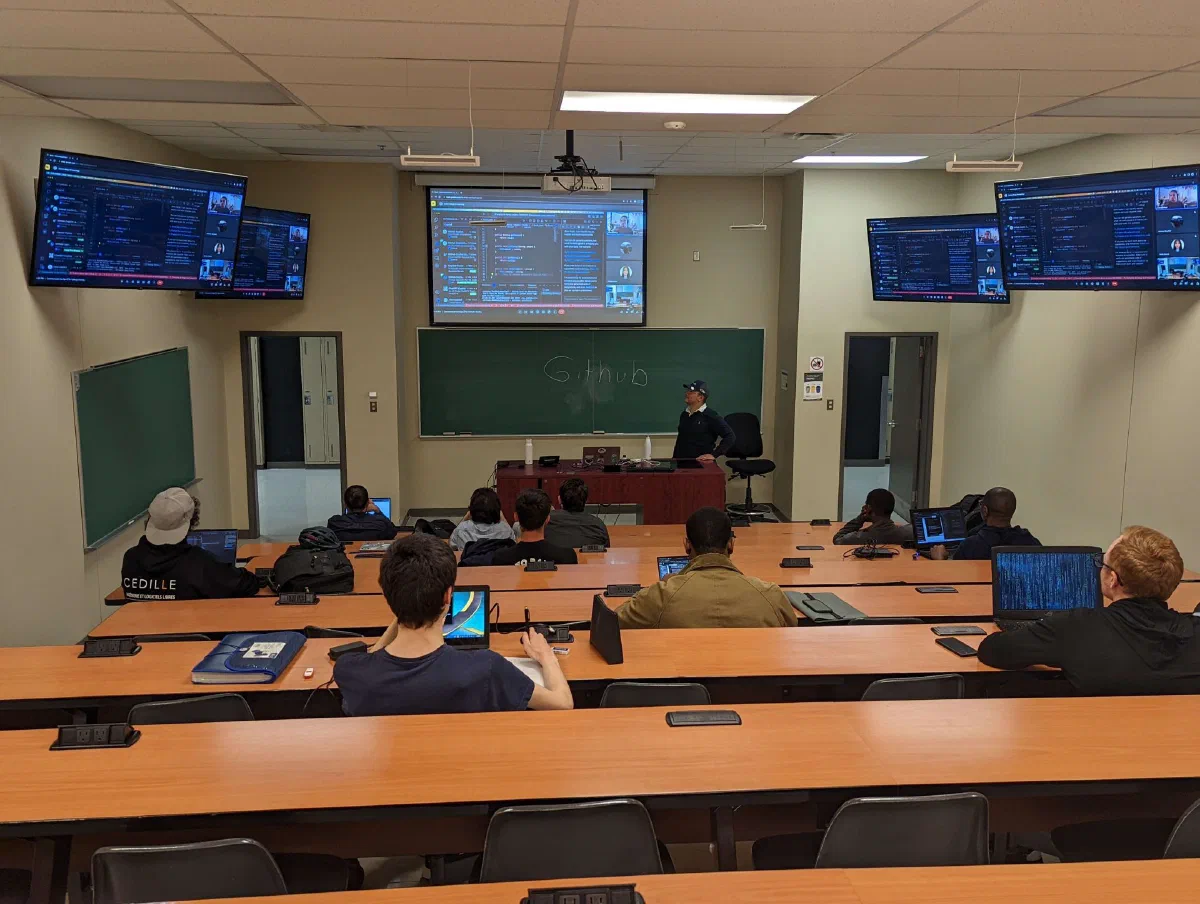
Audience questions were practical: privacy (what leaves the machine), license on generated code (still your responsibility to comply with project policy), and whether Copilot works offline (it does not — plan demos with Wi‑Fi).
Thanks to Thierry Madkaud and Eldrick Wega for presenting, and to everyone who showed up.
6. What I took home
- Copilot is a accelerator, not an author — review still belongs to the human who commits.
- Notebooks are first-class — data curricula should teach Chat + notebooks together, not as an afterthought.
- Next vs product — GitHub Next is where you look for preview features without betting your thesis on beta APIs.
I later built diagram tooling in the ChatGPT plugin era — see D2C OpenAI diagram plugin and Diagram prompts with AIPRM.
7. Related posts
- Run:ai on AWS — webinar notes — another 2022 industry session recap
- Software engineering journey — where school and industry threads meet